
How to Improve Your Home Wi-Fi
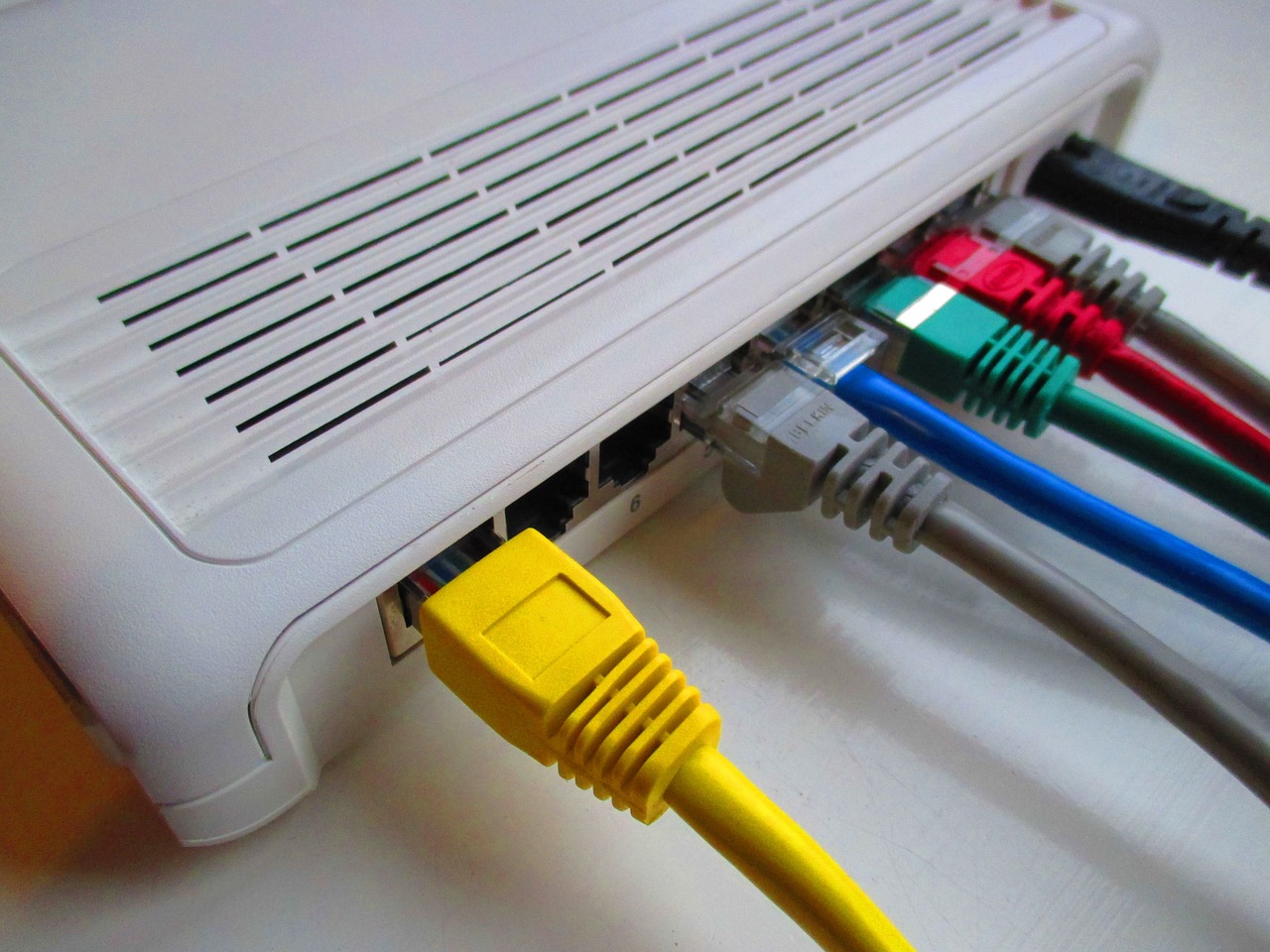
One of the things that can be quite boring is sitting down to watch a movie or TV, only for the playback to start buffering. Therefore, maintaining your home network is quite important. However, you do not have to rely on your ISP to increase the bandwidth; there are a few things you can do to boost your home Wi-Fi.
Place the Router in the Open
 Most people conceal their routers by putting them in cabinets or desks. That is because they consider lots of wires and lights unsightly for them. Unfortunately, placing a router in a desk or cabinet will slow down the Wi-Fi. That is because walls absorb the signal strength before it gets to your devices. The best place to put your rooter is the top of a table or bookshelf. Remember that most routers are designed to emit signals in a semi-downward direction. Therefore, the elevation distributes the Wi-Fi signal uniformly throughout the house.
Keep Appliances Away from the Router
Cordless phones, microwaves, and fluorescent lights are likely to interfere with the Wi-Fi signal. You can avoid this by ensuring the router is not close to the household appliances. In fact, signal interference is caused by adjacent electronic devices such as TV remotes or other routers.
Reset the Router Regularly
Before you can even reach out to the technical support and start complaining about slow internet speeds, one of the things to do is to reboot or reset the modem and router. When you frequently reset it, you maintain a stable connection. If this is time-consuming, you can buy an outlet timer to reset your router at specific times.
Update the Software
 It is advisable to keep checking firmware updates. The good thing about this is that you can solve issues such as security patches, increased compatibility, and bug fixes. You can get the latest updates for the router from the manufacturer’s website. Also, you will find instructions on how to install software updates on the website.
Hide Your SSID
Usually, your SSID is automatically broadcast from the router. This makes it easy to add new devices. Do you know that you can hide your SSID? By doing so, it will not show up. As a result, people will less likely try to hack the password to get access. The only issue is that you will need to manually enter the SSID every time you add a new device.…